

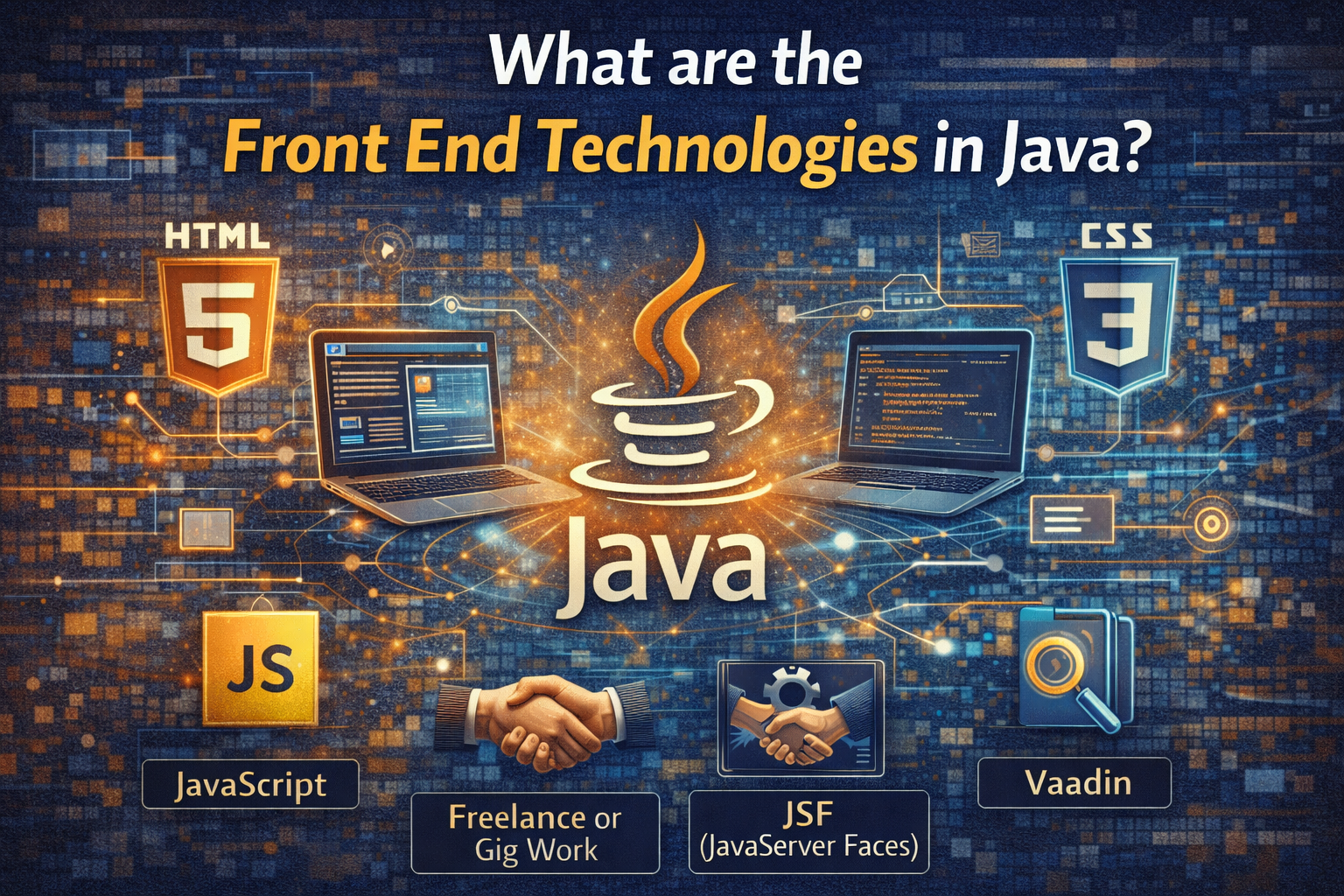
In the rapidly evolving landscape of web development, understanding the tools and frameworks that bridge the gap between server-side logic and user interaction is crucial. When we talk about Java, a powerful and ubiquitous language primarily known for its robust back-end capabilities, the question often arises: what are the front end technologies in Java? While Java itself doesn’t directly render in a browser like JavaScript, it plays a pivotal role in delivering dynamic, interactive, and scalable user interfaces. This guide for 2026 will dive deep into the various approaches and technologies that enable Java developers to build compelling front-end experiences, from traditional server-side rendering to modern full-stack integration.
Key Takeaways
- Java’s front-end role often involves server-side rendering (JSF, Vaadin, Wicket, Thymeleaf) or serving data via APIs to JavaScript frameworks.
- Direct Java-to-JavaScript compilation exists with tools like GWT, allowing developers to write front-end logic entirely in Java.
- The most prevalent modern approach integrates Java back-end frameworks (like Spring Boot) with popular JavaScript front-end frameworks (React, Angular, Vue.js).
- Java is the core language for native Android mobile app development, providing a direct path to mobile UIs.
- Choosing the right “front-end” approach with Java depends on project requirements, team expertise, and the desired level of interactivity and complexity.
Understanding Java’s Role in Front-End Development
Before exploring specific technologies, it’s essential to clarify Java’s position in the front-end ecosystem. Traditionally, “front-end” refers to everything a user sees and interacts with in a web browser, primarily built using HTML, CSS, and JavaScript. Java, on the other hand, is a general-purpose, object-oriented language mostly executed on the server-side or on a client’s machine (like in desktop applications or Android apps). However, Java’s influence on the front-end is undeniable through several paradigms:
- Server-Side Rendering (SSR): Java frameworks render HTML on the server and send the complete page to the browser. This is a classic approach where Java controls the entire page generation.
- API-Driven Front-Ends: Java back-ends create powerful RESTful or GraphQL APIs that serve data to independent front-end applications built with JavaScript frameworks. This is the most common modern full-stack pattern.
- Java-to-JavaScript Transpilation: Niche tools allow developers to write front-end code in Java, which is then compiled into browser-executable JavaScript.
- Desktop and Mobile UIs: For non-web contexts, Java has its own mature front-end technologies for desktop (Swing, JavaFX) and mobile (Android native development).
Traditional Java Web Frameworks for UI: What are the front end technologies in Java?
For decades, Java has powered enterprise web applications using frameworks that manage both back-end logic and front-end rendering. These frameworks typically allow developers to define UI components using Java code or specialized markup, which then get translated into HTML, CSS, and some JavaScript on the server before being sent to the client.
JavaServer Faces (JSF) 🌐
JavaServer Faces (JSF) is an official Java EE (now Jakarta EE) standard for building web user interfaces. It is a component-based framework that allows developers to assemble UIs from a set of reusable UI components. JSF components handle much of the client-side state and interaction, abstracting away complex JavaScript and AJAX handling.
- How it Works: Developers define UI using XML-based Facelets templates or programmatically in Java. JSF manages component states across requests, handles events, and converts Java objects into UI representations.
- Key Features: Component model, event-driven development, state management, validation, AJAX support.
- Pros: Standardized, strong IDE support, component reusability, good for complex enterprise applications where Java developers prefer a Java-centric approach.
- Cons: Can have a steep learning curve, can lead to monolithic applications, less flexible for highly dynamic, modern SPA-style UIs.
“JSF, while sometimes perceived as ‘legacy’ compared to modern JavaScript frameworks, continues to be a robust choice for large enterprise applications that prioritize a full-stack Java approach and adhere to established standards.”
Apache Wicket 🦉
Apache Wicket is a component-oriented Java web application framework with a focus on simplicity and a “write once, run anywhere” philosophy for components. It’s known for its pure Java development model, meaning developers write all their logic and UI components in Java, with HTML serving as mere markup.
- How it Works: Wicket components are plain Java objects attached to HTML markup. The framework automatically converts these components into HTML and handles user interactions, maintaining state on the server.
- Key Features: Pure Java development, stateful components, explicit HTML/Java separation, strong testing capabilities, AJAX built-in.
- Pros: Excellent for Java developers who want to avoid JavaScript, high reusability of components, strong MVC pattern adherence, easy to debug.
- Cons: Less community support compared to mainstream JS frameworks, potential for higher server-side resource usage due to statefulness.
Vaadin 🚀
Vaadin is a popular open-source Java framework for building modern web applications. Its unique selling proposition is allowing developers to write the entire application – both front-end and back-end – purely in Java. Vaadin components are high-level and automatically manage their DOM representation and client-server communication.
- How it Works: Vaadin UI components are defined in Java. The framework generates the necessary HTML, CSS, and JavaScript on the fly and manages server-side communication (often using WebSockets) to update the client. Vaadin Flow (its modern iteration) integrates with web components.
- Key Features: Pure Java UI development, extensive component library, automatic client-server communication, Spring integration, PWA support.
- Pros: Rapid development for business applications, strong type safety, avoids JavaScript context switching, excellent enterprise support.
- Cons: Can be resource-intensive on the server due to managing component state, limited control over raw HTML/CSS for advanced customizations, vendor lock-in concerns for some.
Thymeleaf & JSP (JavaServer Pages) 📑
While not frameworks in themselves, Thymeleaf and JSP are templating engines crucial for server-side HTML generation with Java back-ends, particularly with Spring MVC. They represent a lighter approach compared to component-based frameworks.
- JSP: The traditional technology for creating dynamic web pages in Java. JSPs are translated into servlets, allowing Java code to be embedded directly within HTML markup. It’s mature but often considered outdated for new projects due to its scriptlet-heavy nature.
- Thymeleaf: A modern server-side template engine that works seamlessly with Spring MVC. It processes templates (usually HTML) on the server, injecting dynamic data. Thymeleaf’s key advantage is that it can also be opened directly in a browser as static HTML, making design and prototyping easier.
- Pros (Thymeleaf): Natural templating, good integration with Spring, strong developer community, cleaner separation of concerns than JSPs.
- Cons (Both): Primarily for server-side rendering, requires JavaScript for significant client-side interactivity, can lead to less dynamic UIs without careful integration.
Java-to-JavaScript Transpilation: A Direct Answer to “What are the front end technologies in Java?”
This category directly addresses the desire to write front-end code using Java and have it run in the browser. The primary technology here is Google Web Toolkit (GWT).
Related Posts:
- Unveiling What is IQ.Drive Technology? Your…
- How Does VR Technology Work Immersive Experiences Explained

- What Are Web 3.0 Technologies The Next Generation of…

- What Are the Benefits of Modern Technology Key Advantages

- What Is an Assistive Technology Screen Reader A…

- How Technology Has Impacted Culture Shaping Modern Societies

Google Web Toolkit (GWT) ⚙️
GWT is an open-source set of tools that allows developers to create complex browser-based applications in Java. It compiles Java source code into optimized JavaScript, HTML, and CSS, enabling robust, high-performance web applications without writing a single line of JavaScript by hand.
- How it Works: Developers write their entire front-end application in Java, including UI components, event handlers, and client-side logic. The GWT compiler then translates this Java code into highly optimized JavaScript that runs efficiently across different browsers.
- Key Features: Java-to-JavaScript compiler, extensive widget library, RPC mechanism for client-server communication, strong debugging capabilities (in Java), integrates with Maven/Gradle.
- Pros: Leverages Java’s strong typing, robust tooling, and vast ecosystem for front-end development. Excellent for developers who want to avoid JavaScript. Produces highly optimized output.
- Cons: Steep learning curve, compiler can be slow for large projects, limited ecosystem for UI components compared to modern JavaScript frameworks, perception of being less “modern” than SPAs built with React/Angular.
The Modern Approach: Java Back-End with JavaScript Front-End 🤝
In 2026, the most prevalent and powerful approach for building web applications with Java is to separate the concerns: a robust Java back-end for business logic and data management, and a dynamic JavaScript front-end for the user interface. This architecture often involves Java building RESTful or GraphQL APIs, which the JavaScript front-end then consumes.
Java Back-End Frameworks for APIs (Supporting Front-Ends)
- Spring Boot: The de facto standard for building microservices and REST APIs in Java. Spring Boot simplifies application setup and configuration, making it incredibly efficient to expose data endpoints for front-end consumption. Its vast ecosystem and strong community support make it ideal for powering complex applications.
- Quarkus: A Kubernetes-native Java stack tailored for OpenJDK HotSpot and GraalVM, optimized for containers. It offers incredibly fast startup times and low memory footprint, making it perfect for cloud-native microservices that serve front-end applications.
- Jakarta EE (formerly Java EE): Provides a set of specifications for building enterprise applications, including JAX-RS for RESTful web services. While more heavyweight than Spring Boot, it’s a foundational enterprise standard.
Popular JavaScript Front-End Frameworks (Consuming Java APIs)
These are not Java technologies, but they are the most common companions to Java back-ends in modern web development, defining what are the front end technologies in Java‘s sphere of influence.
| Framework | Description | Key Characteristics |
|---|---|---|
| React | A JavaScript library for building user interfaces, maintained by Facebook and a community of individual developers and companies. | Component-based, virtual DOM, declarative views, highly flexible, large ecosystem. Excellent for single-page applications (SPAs). |
| Angular | A comprehensive, opinionated framework maintained by Google, for building complex enterprise-grade single-page applications. | Full-fledged framework, TypeScript-based, strong tooling, opinionated structure, robust for large-scale projects. |
| Vue.js | An approachable, performant, and versatile framework for building web user interfaces, created by Evan You. | Progressive framework, easier learning curve than Angular/React, flexible, good for small to medium projects and SPAs. |
| Svelte | A radical new approach to building user interfaces. While traditional frameworks do most of their work in the browser, Svelte shifts that work into a compile step. | No virtual DOM, compiles to vanilla JavaScript, smaller bundle sizes, faster runtime performance. Gaining popularity. |
How to Integrate Java Back-End with JavaScript Front-End 🔄
The integration process typically involves:
- Building a RESTful API in your Java application (e.g., Spring Boot) that exposes data and business logic.
- Developing the front-end application using a JavaScript framework (React, Angular, Vue.js) to consume these APIs (e.g., using
fetchoraxios). - Managing CORS (Cross-Origin Resource Sharing) policies on the Java back-end to allow requests from the front-end domain.
- Potentially serving the static JavaScript build files directly from the Java back-end (e.g., Spring Boot can serve static resources from its
/staticfolder) or deploying them separately.
Java for Desktop and Mobile Front-Ends
📱
💻
Beyond web applications, Java has a strong heritage and continued relevance in building graphical user interfaces for desktop and mobile environments.
Android Native Development 🤖
Java is one of the primary and foundational languages for native Android application development. Developers use Java (alongside Kotlin, which is interoperable) to define application logic and create user interfaces using XML layout files and Android’s UI toolkit.
- Key Technologies: Android SDK, Android Studio, XML layouts, Java for logic, Android UI components (TextView, Button, RecyclerView, etc.).
- Pros: Full access to device features, optimal performance, rich UI customization, vast documentation and community.
- Cons: Android-specific, not cross-platform with iOS without other frameworks.
Java Desktop UIs: Swing and JavaFX
🖥
️
While less common for new consumer-facing applications, Java remains a solid choice for internal business applications or specific desktop tools.
- Swing: Part of the Java Foundation Classes (JFC), Swing provides a rich set of GUI components for building desktop applications. It’s mature and widely used but can appear somewhat dated in aesthetics.
- JavaFX: A more modern, robust, and visually appealing toolkit for developing rich client applications. It offers a powerful API for UI, graphics, and media, with declarative FXML for UI definition, similar to HTML. JavaFX provides a strong alternative for modern desktop applications with better styling and animation capabilities than Swing.
- Pros: Platform-independent (Write Once, Run Anywhere), strong performance, access to underlying OS features.
- Cons: Desktop market share has shifted, fewer job opportunities for pure desktop UI compared to web/mobile.
Choosing the Right Front-End Strategy with Java in 2026
The decision on what are the front end technologies in Java that best fit your project depends on several factors:
- Project Type: Is it a complex enterprise application, a public-facing website, a mobile app, or a desktop tool?
- Team Expertise: Is your team primarily Java developers who prefer to stay within the Java ecosystem, or do they have expertise in modern JavaScript frameworks?
- Performance & Scalability: How critical are client-side performance, server-side resource usage, and overall scalability?
- Time to Market: How quickly do you need to develop and deploy?
- Maintenance & Future-Proofing: How easy will it be to maintain and update the application in the long run?
| Approach | Best For | Considerations |
|---|---|---|
| Java-centric (Vaadin, JSF, Wicket) | Enterprise internal apps, teams with strong Java skills, rapid development of complex forms/data tables, avoiding JavaScript. | Potentially higher server load, less control over raw HTML/CSS, steeper learning curve for non-Java developers. |
| Java-to-JS (GWT) | Migration of large Java applications to web, specialized line-of-business apps, Java teams with no JS expertise. | Compiler complexity, niche community, limited component ecosystem compared to JS. |
| Java Back-End + JS Front-End (Spring Boot + React/Angular/Vue) | Modern SPAs, public websites, highly interactive UIs, microservices architectures, large teams with mixed expertise. | Requires expertise in both Java and JavaScript ecosystems, managing two separate deployments, CORS complexity. |
| Android Native (Java) | High-performance, feature-rich Android mobile apps. | Platform-specific, requires Android development skills. |
| JavaFX Desktop | Cross-platform desktop business apps, internal tools. | Smaller market, potentially less aesthetically modern than web/mobile apps without significant effort. |
How To: Setting Up a Basic Spring Boot & React Application (Front-End with Java Back-End)
This section provides a simplified guide on how to combine a modern JavaScript front-end with a Java back-end, which is the most common full-stack approach in 2026. This setup directly answers the practical question of what are the front end technologies in Java when integrated with industry best practices.
Step 1: Set up a Spring Boot Project
🛠
️
Go to Spring Initializr. Choose Maven or Gradle, Java 17+, and add ‘Spring Web’ as a dependency. Generate and download the project. Open it in your favorite IDE (IntelliJ IDEA, VS Code with Java extensions, Eclipse).
Step 2: Create a RESTful API in Java 💻
Inside your Spring Boot project, create a simple REST controller. For example, a HelloController.java:
@RestController
@RequestMapping("/api")
public class HelloController {

    @GetMapping("/hello")
    public String sayHello() {
        return "Hello from Spring Boot!";
    }
}
This exposes an endpoint /api/hello that your front-end can call.
Step 3: Initialize a React Front-End Application ✨
Open your terminal. Navigate to a directory outside your Java project. Run the command to create a new React app:
npx create-react-app my-frontend-app
cd my-frontend-app
This sets up a basic React project.
Step 4: Develop React Components to Consume API 🚀
Inside my-frontend-app/src/App.js, modify it to fetch data from your Spring Boot API:
import React, { useState, useEffect } from 'react';
import './App.css';

function App() {
  const [message, setMessage] = useState('');

  useEffect(() => {
    fetch('/api/hello') // Calls the Spring Boot API
      .then(response => response.text())
      .then(data => setMessage(data))
      .catch(error => console.error('Error fetching data:', error));
  }, []);

  return (
); } export default App;
Note: When running locally, React’s development server (port 3000 by default) needs to proxy API requests to the Spring Boot server (port 8080 by default). Add "proxy": "http://localhost:8080" to your my-frontend-app/package.json file.
Step 5: Configure CORS in Spring Boot 🔐
For your React front-end (on one port) to talk to your Spring Boot back-end (on another port), you need to configure CORS. Add this to your Spring Boot main application class or a dedicated configuration class:
import org.springframework.context.annotation.Configuration;
import org.springframework.web.servlet.config.annotation.CorsRegistry;
import org.springframework.web.servlet.config.annotation.WebMvcConfigurer;

@Configuration
public class WebConfig implements WebMvcConfigurer {

    @Override
    public void addCorsMappings(CorsRegistry registry) {
        registry.addMapping("/api/**") // Apply to all /api endpoints
                .allowedOrigins("http://localhost:3000") // Allow React dev server
                .allowedMethods("GET", "POST", "PUT", "DELETE")
                .allowCredentials(true);
    }
}
Adjust allowedOrigins for production environments.
Step 6: Run Both Applications ▶️
First, start your Spring Boot application from your IDE or by running ./mvnw spring-boot:run (Maven) or ./gradlew bootRun (Gradle) in its directory.
Then, in your React project directory, run npm start (or yarn start). Your browser should open to http://localhost:3000, and after a moment, you should see “Hello from Spring Boot!” displayed, demonstrating the successful integration!
Key Defined Terms
Understanding these terms is crucial to grasping what are the front end technologies in Java and its ecosystem:
JavaServer Faces (JSF):
A Java-based web application framework that simplifies the development of user interfaces for enterprise applications. It uses XML for UI definition and JavaBeans for managing application data.
Google Web Toolkit (GWT):
An open-source set of tools that allows web developers to create complex browser-based applications in Java. GWT compiles Java source code into optimized JavaScript, HTML, and CSS.
Vaadin:
A Java framework for building modern web applications that look great and run smoothly in any browser. Vaadin allows developers to write the entire application (both front-end and back-end) in Java.
Apache Wicket:
An open-source, component-oriented Java web application framework that provides a stateful programming model and a clean separation of markup and logic. It uses pure Java and HTML.
Thymeleaf:
A modern server-side Java template engine that works both in web and standalone environments. It aims to be an elegant and highly performant alternative to standard JSP technology, often used with Spring MVC.
Frequently Asked Questions (FAQ)
Conclusion: Navigating Java’s Front-End Landscape in 2026
The question of what are the front end technologies in Java reveals a diverse and evolving landscape. While Java doesn’t directly run in the browser for web interfaces, its influence on the front-end is profound and multi-faceted. From established server-side rendering frameworks like JSF, Vaadin, and Apache Wicket that offer a Java-centric development model, to niche but powerful solutions like GWT that transpile Java to JavaScript, the options are varied.
However, the prevailing trend in 2026 for highly interactive web applications is a decoupled architecture. Java excels at powering robust, scalable back-end APIs (think Spring Boot, Quarkus) that feed data to modern, dynamic JavaScript front-end frameworks such as React, Angular, and Vue.js. This approach leverages the strengths of both ecosystems, combining Java’s enterprise-grade reliability with JavaScript’s client-side agility.
For mobile development, Java remains a core language for building native Android applications, providing a direct and powerful path to create compelling user experiences. Similarly, JavaFX continues to be a strong contender for modern desktop applications.
Ultimately, the best “front-end technology in Java” depends on your specific project requirements, team skillset, and desired outcomes. Whether you opt for a full-stack Java framework for rapid enterprise development, a Java-to-JavaScript compiler for deep integration, or the popular decoupled Java + JavaScript model, Java’s ecosystem offers powerful solutions to deliver engaging and functional user interfaces.
Actionable Next Steps for Java Developers:
- Explore Modern JavaScript: If you’re a Java developer focused on web, dedicate time to learning a modern JavaScript framework (React, Angular, or Vue.js) and TypeScript. This is the most common path for interactive web UIs.
- Master RESTful APIs with Spring Boot: Ensure your Java back-end skills are sharp, especially in building high-performance, secure RESTful APIs that your front-end applications can consume.
- Consider Full-Stack Java Frameworks for Enterprise: For specific enterprise needs or if your team is exclusively Java-focused, evaluate Vaadin or JSF for their productivity benefits within a Java ecosystem.
- Dive into Android Development: If mobile is your goal, deepen your Java and Kotlin skills for native Android UI development.
- Stay Updated: The landscape changes rapidly. Keep an eye on new developments in both the Java back-end space (e.g., Quarkus advancements) and front-end JavaScript frameworks.
References
[1] Spring Boot Documentation: https://docs.spring.io/spring-boot/docs/current/reference/html/
[2] Vaadin Official Website: https://vaadin.com/
[3] GWT Project Official Site: http://www.gwtproject.org/
[4] React Documentation: https://react.dev/
[5] Android Developers Official Site: https://developer.android.com/docs
[6] Apache Wicket Official Website: https://wicket.apache.org/
[7] Thymeleaf Official Website: https://www.thymeleaf.org/
[8] Jakarta EE (Java EE) Official Site: https://jakarta.ee/
 Sally Miles